

Download three free blank resume templates with English headings, editable Word files and PDF previews. Choose a gray sidebar, a blush creative layout or a blue professional design, then replace the bracketed prompts with your own information.
Each download gives you a prepared layout for your contact details, experience, education and skills. There is no registration or payment step. Use the Word document to fill in your resume; the PDF shows the original layout and has no interactive form fields.
Free blank resume templates to download and fill in
The previews below show the actual files, including the prompts you will replace. All three designs use a one-page US Letter layout. Their sections and text are editable, so you can remove an unused entry or rename a section to reflect your background.
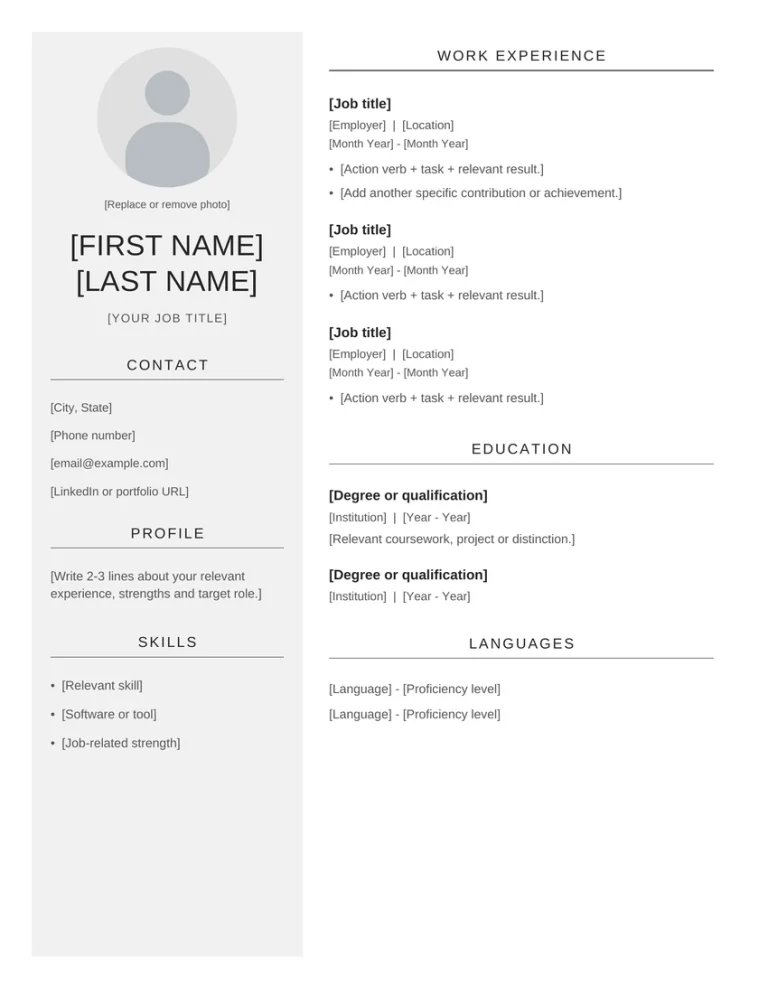
01 · GRAY SIDEBAR
Minimalist gray blank resume template
This design places your name, contact details, profile and skills in a pale gray sidebar. The main column contains three work entries, education and languages. Thin section rules and a restrained color palette give it a quiet visual style.
Start here if you prefer a monochrome resume with clear space between entries. Keep only the work and education blocks you need; the empty prompts are not a requirement to invent more experience.
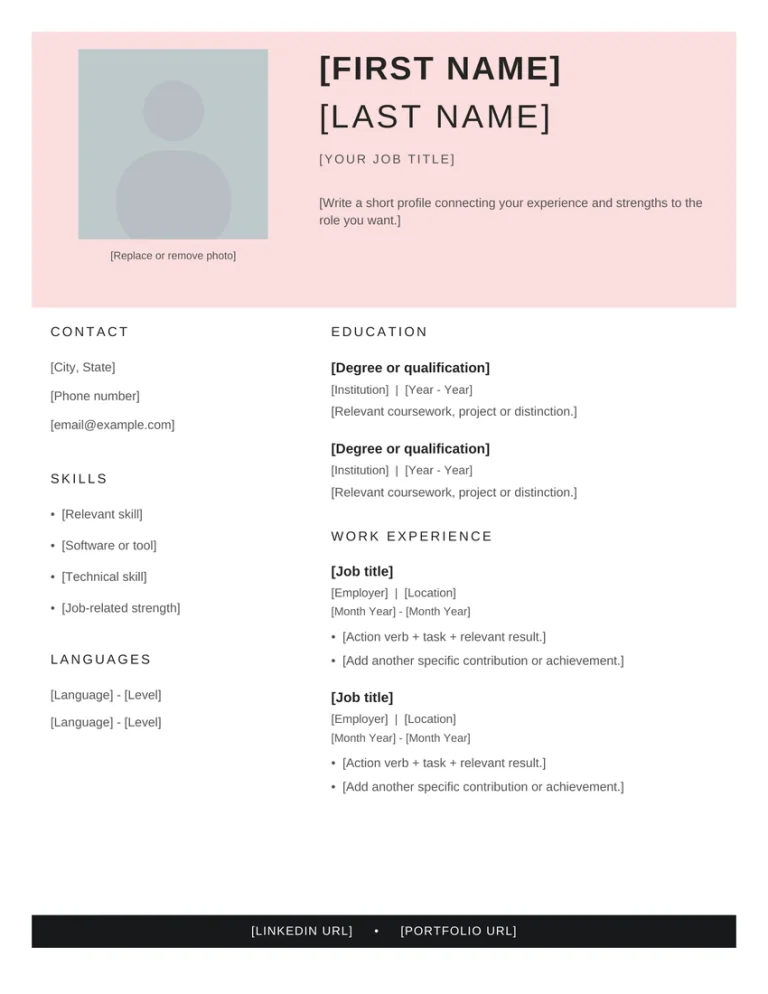
02 · BLUSH CREATIVE
Creative blush resume template to fill in
A wide pink header combines your name, target role, short profile and an optional square image. Below it, the left column holds contact details, skills and languages. Education and work experience sit on the right, with space for professional links in a dark bottom band.
The education-first arrangement can also accommodate training and selected projects. Change the headings and order when another part of your background deserves more attention.
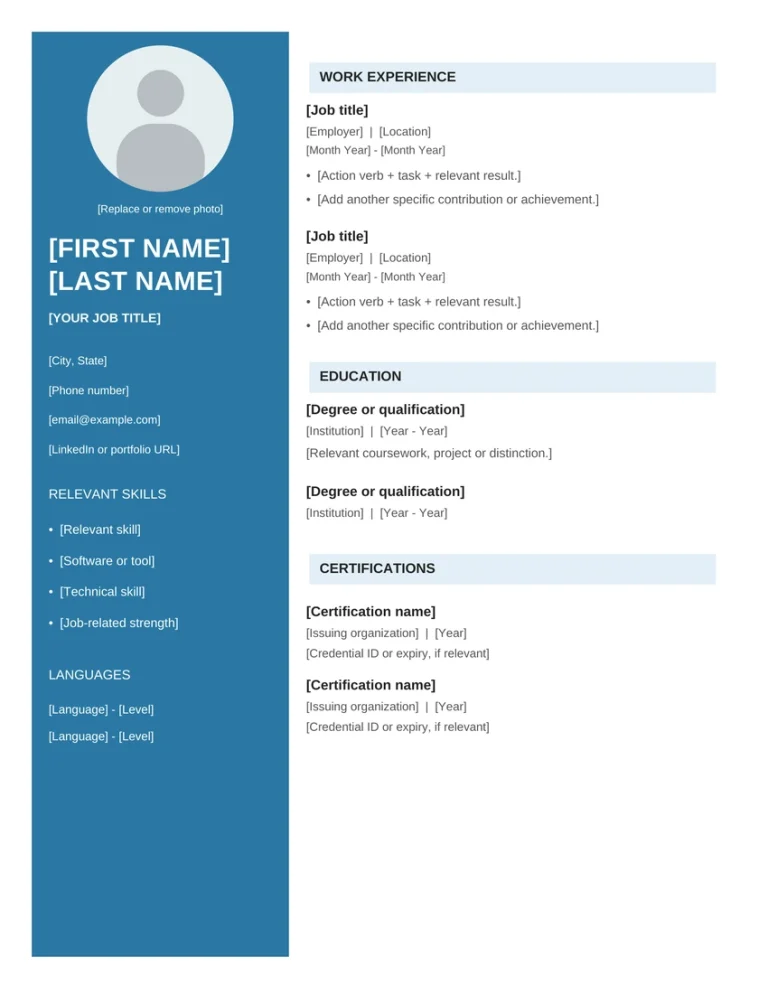
03 · BLUE SIDEBAR
Blue professional blank resume template
This model uses a blue sidebar for your name, contact information, relevant skills and languages. Pale blue section bars organize work experience, education and certifications in the main column.
Choose it when you want a separate place for relevant qualifications or credentials. Replace the certification prompts with accurate titles, issuers and dates, or remove that section if it does not support the application.
Want to compare completed examples before writing? Explore our free resume templates with sample content. This collection focuses on blank documents with prompts you can fill in.
What to write in a blank resume template
Gather your dates, qualifications and examples of relevant work before you start editing. Use the vacancy to decide which details deserve space. Each bracketed prompt identifies information to supply, rather than wording to leave in the finished resume.
| Section | What to add | What to check |
|---|---|---|
| Name and contact details | Your name, phone number, professional email and location. Add a relevant LinkedIn or portfolio link. | Test the contact details and remove links you do not use. |
| Profile | A short description connecting your background, useful strengths and target role. | Replace broad claims such as “hardworking professional” with a specific area of experience. |
| Work or project experience | Your role, organization, dates and specific contributions. Start with the most recent relevant entry. | Keep job titles and dates accurate. Use figures only when you can support them. |
| Education | The qualification, institution and dates. Add relevant coursework or a project when useful. | Delete unused entries and show unfinished qualifications accurately. |
| Skills and languages | Tools, technical abilities and language levels relevant to the vacancy. | Use descriptions you could explain or demonstrate in an interview. |
| Certifications | The credential name, issuing organization and date. Include expiry details when relevant. | Remove the section if you have no relevant credentials to list. |
Turn a prompt into a useful work entry
The work blocks include a prompt such as [Action verb + task + relevant result.]. A result can describe a completed piece of work; it does not need an invented percentage.
Prepared weekly meeting agendas, recorded agreed actions and circulated the notes to the team.
Use an example like this only when it accurately describes work you have done.
Fill in a resume when you have little work experience
You can rename Work Experience to Projects and Experience and use relevant volunteering, placements or substantial study projects. Include the organization or course, your role, dates and what you contributed. Clearly label a student project or volunteer position.
For example, a design project might describe how you compared layout options, created a final presentation and explained your choices. One relevant entry is more useful than several empty job blocks. Remove the entries you cannot fill with truthful information.
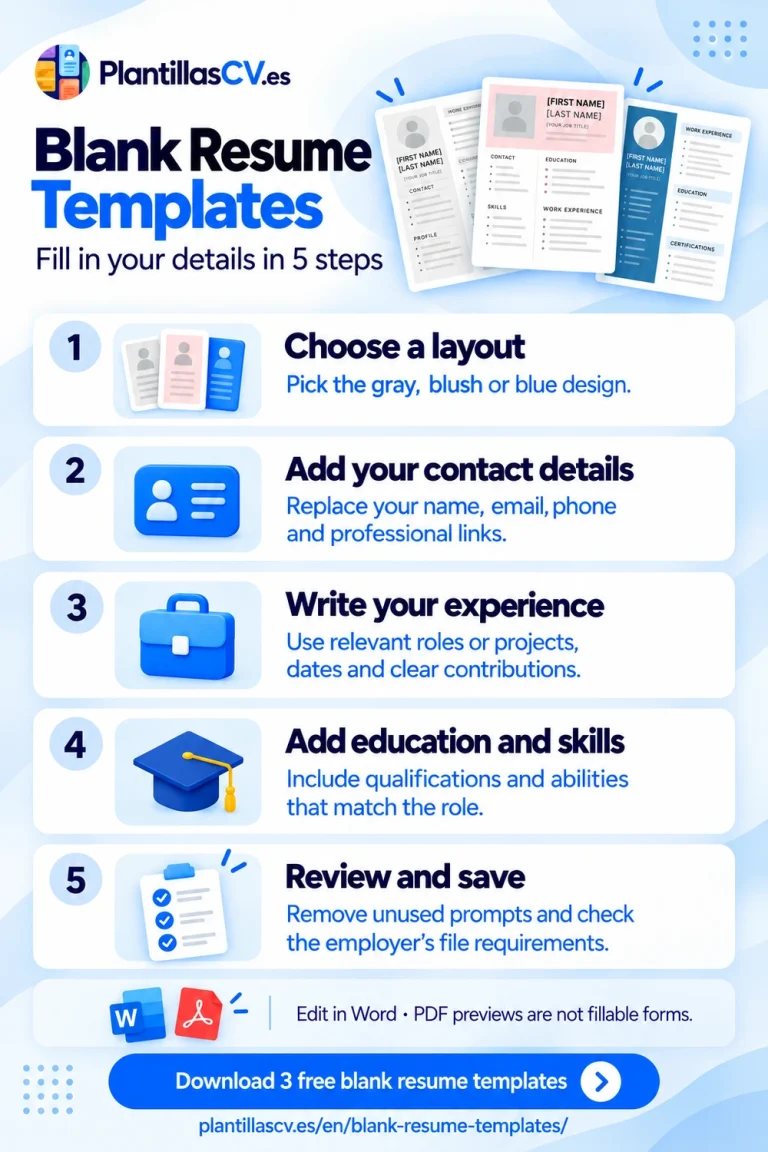
How to fill in your blank resume and save the final file
- Download the Word version and save a working copy. Keep the original file so you can return to the supplied layout.
- Replace each bracketed prompt. Enter your information inside the existing paragraphs. If pasted text changes the design, apply the surrounding paragraph’s formatting.
- Remove sections and entries you do not need. Delete an unused heading together with its prompts. Check the surrounding spacing after changing a block.
- Replace or remove the image placeholder. In Word, select the picture and use the picture replacement option, or delete it. Also remove the caption beneath it.
- Review the finished document. Search for a left bracket to find any prompts you missed. Then check your name, target role, dates, links, spelling and page breaks.
- Save the format the employer requests. Keep the editable DOCX for later changes. If you need a PDF, export your completed document and reopen it before sending.
Microsoft’s guidance on using resume templates explains replacing placeholder text and exporting a document. If you want other layouts for the same editor, compare our editable Word resume templates.
These files start on US Letter pages. If your application needs A4, change the page size and inspect the document again. Additional text, different fonts or a change of editor can alter the number of pages. Give relevant information enough room instead of shrinking every section to force one page.
Questions about blank resume templates
Are the blank resume templates free to download?
Yes. All three Word files and PDF previews are available without payment or registration. You may personalize the templates for your own job applications. Do not resell or redistribute the original files. Access to editing software is separate from the template download.
Can I fill in the PDF resume template directly?
The supplied PDFs are previews with selectable text, not interactive forms. Complete the Word file and export your finished resume as PDF if required. Printing a preview also prints its prompts, so fill in the editable document before printing a resume to submit.
Can I edit the blank templates in Google Docs or LibreOffice?
You can open DOCX files in editors that support the format. Review the result carefully: fonts, tables, image crops and page breaks may change between applications. Keep an original copy and check the exported file before using it.
Are these blank resume templates ATS-friendly?
These are visual designs using columns, layout tables and optional images. They have not been certified for ATS products. If an application portal needs a simpler structure, choose a plain, single-column document. After uploading your finished resume, review any automatically populated fields before submitting the application.
Choose a blank layout and make it your own
Download the design you want to use, fill its prompts with relevant information and check the finished file against the vacancy.
Back to the three free downloads
Explore more resume templates and guides in English.